Get Code Integrity Hashes
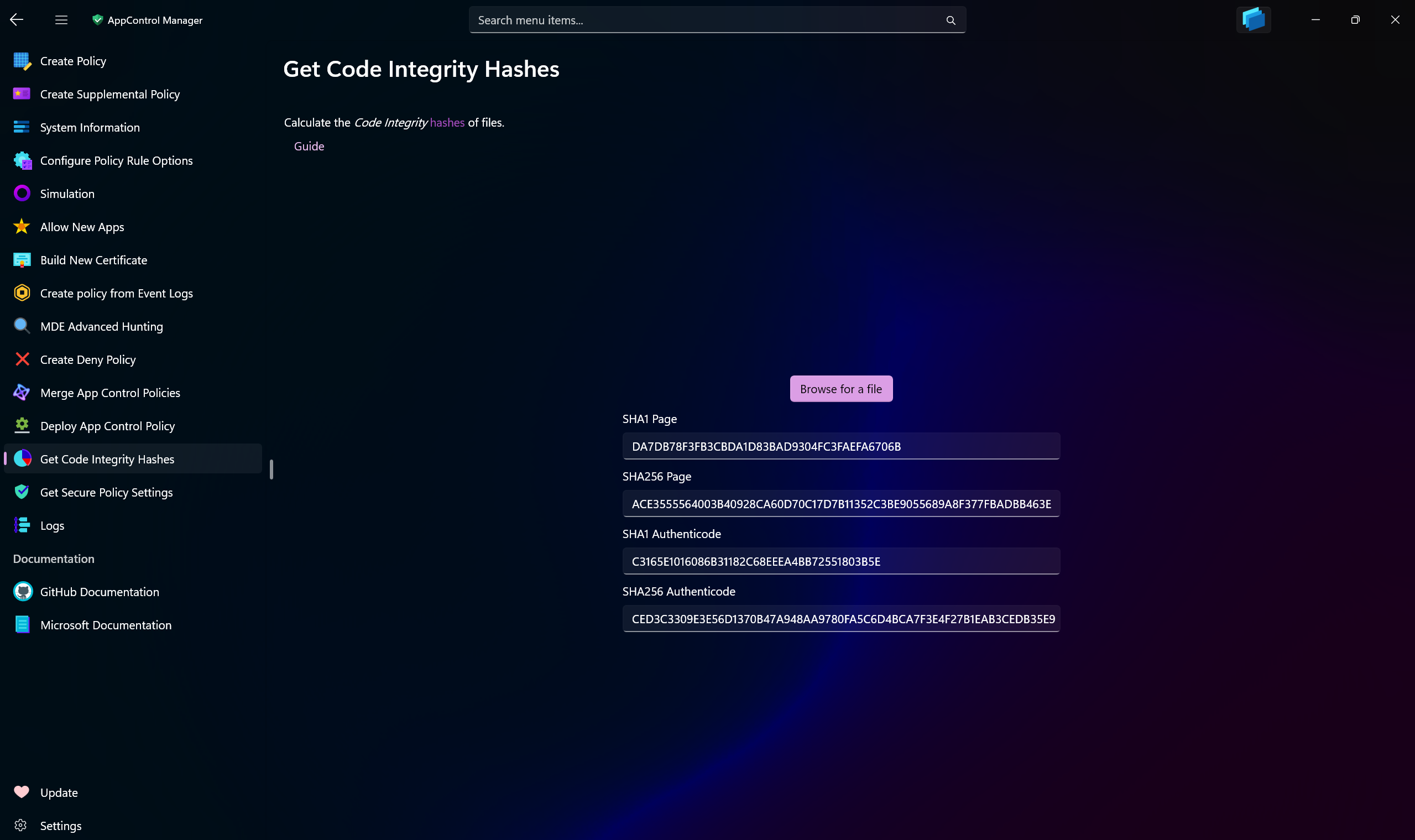
Use this AppControl Manager page to calculate Code Integrity hashes of the files. Code Integrity hashes are those that the Code Integrity in Windows primarily uses.
Use the browse button to select a file or drag and drop a file on the page (when running unelevated) and the hashes will be immediately calculated and displayed on the page.
Note
If the selected file is non-conformant, the app will calculate the flat hashes of the file and present them as Authenticode hashes. When that happens, the page hashes will be displayed as N/A. This is compliant with how the App Control engine in Windows works.
Supported Hashing Algorithms
- SHA-1 160-bit Page Hash
- SHA-2 256-bit Page Hash
- SHA-1 160-bit Authenticode Hash
- SHA-2 256-bit Authenticode Hash
- SHA-2 384-bit Authenticode Hash
- SHA-2 512-bit Authenticode Hash
- SHA-3 256-bit Authenticode Hash
- SHA-3 384-bit Authenticode Hash
- SHA-3 512-bit Authenticode Hash
- SHA-3 384-bit Flat Hash
- SHA-3 512-bit Flat Hash